
The term “Wi-Fi Plus” refers to a set of solutions offered by internet service providers to extend and enhance wireless coverage in a home. Behind this commercial name, there are repeaters, mesh systems, or Wi-Fi powerline adapters, often charged as an option or included in certain fiber offers.
Wi-Fi Plus does not rely on a distinct technical standard: it builds on existing standards (Wi-Fi 5, Wi-Fi 6, Wi-Fi 6E, Wi-Fi 7) by adding a multi-point coverage logic.
To better understand the contours of this offer, you can consult what Paris Blogged offers on Wi-Fi Plus, which details the main features of the system as it exists with several operators.
Wi-Fi Plus and the 6 GHz band: what tri-band changes
Most repeaters provided by ISPs as part of a Wi-Fi Plus offer are dual-band, meaning they utilize the 2.4 GHz and 5 GHz frequencies. This configuration is sufficient for many common uses.
On the other hand, devices compatible with Wi-Fi 7 (a standard certified by the Wi-Fi Alliance in January 2024) also utilize the 6 GHz band. This third band reduces interference in dense environments, where the traditional bands are saturated by neighboring networks, especially in multi-dwelling buildings.

The problem: a dual-band repeater, even labeled “Wi-Fi Plus,” cannot relay a signal on the 6 GHz band. To benefit from it, you need a tri-band repeater compatible with Wi-Fi 6E or Wi-Fi 7. Field feedback varies on this point, as ISPs do not always specify whether the equipment included in their Wi-Fi Plus offer actually provides access to tri-band or if it remains a paid option.
Before subscribing, check the technical specifications of the proposed repeater. The mention “Wi-Fi Plus” does not guarantee tri-band.
Wi-Fi repeater, powerline adapter, or mesh: what system is behind Wi-Fi Plus
Under the name Wi-Fi Plus, three technologies coexist depending on the operators and offers. Each addresses a different coverage problem.
- The Wi-Fi repeater captures the signal from the box and retransmits it further. Easy to install, it is suitable for moderately sized homes with few obstacles. Its drawback: it halves the bandwidth since it uses the same band to receive and transmit.
- The Wi-Fi powerline adapter transmits the internet signal through the electrical wiring of the home. It bypasses thick walls and floors, making it suitable for multi-level houses. The quality depends on the condition of the electrical wiring.
- The mesh system deploys multiple nodes that communicate with each other to create a unified network. The connected device automatically switches to the nearest node without interruption. It is the smoothest solution but also the most expensive.
The choice depends on the configuration of the home. A two or three-room apartment often suffices with a repeater. A multi-story house with load-bearing walls benefits more from a powerline or mesh system.
Installing Wi-Fi Plus: important placement and settings
The performance of a repeater or mesh device depends as much on its placement as on its power. Placing it too far from the box means amplifying an already weak signal. Placing it too close does not actually extend the coverage area.
Positioning the repeater relative to the box
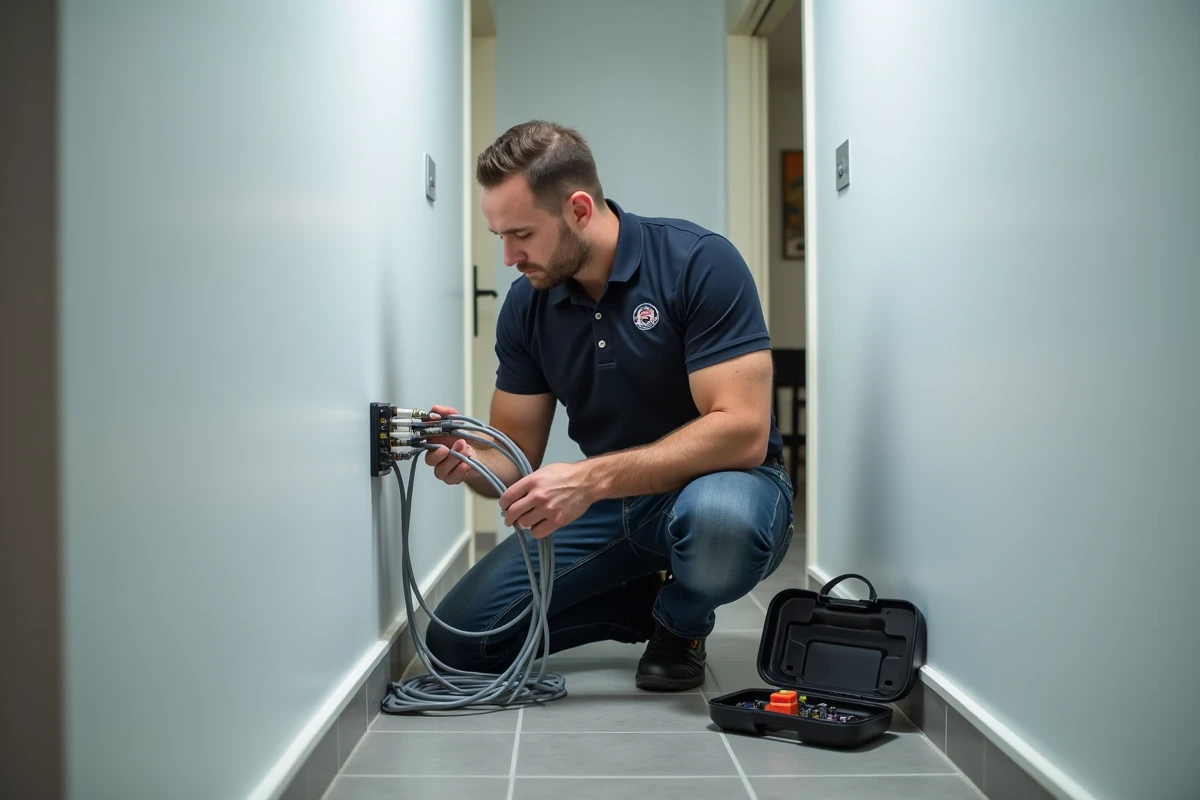
The basic rule: the repeater should be located halfway between the box and the poorly covered area, in a spot where it still receives a decent signal. Avoid placing it on the floor, behind furniture, or near a microwave (which emits on the same frequency as 2.4 GHz).
Separate or unify frequency bands
Some boxes and repeaters merge the 2.4 GHz and 5 GHz networks under a single name (unique SSID). The connected device then automatically switches to the most suitable band. Other configurations leave two distinct networks.
A unique SSID simplifies daily use, but may cause issues with some older connected devices that only operate on 2.4 GHz. If a device refuses to connect, check if it supports the band it is directed to.
Wi-Fi Plus network security: WPA3 and default configuration
Extending the Wi-Fi network multiplies potential entry points. Each repeater or mesh node creates an additional access point that needs to be secured.
The WPA3 protocol is gradually replacing WPA2 as the standard for encryption. Some ISPs enable it by default for new customers, sometimes in “WPA3-Personal-Transition” mode, which remains compatible with older devices. The available data does not allow for a conclusion on the precise timeline for mandatory migration to WPA3 across all French operators.
Two reflexes to adopt during installation:
- Change the default Wi-Fi password of the box and repeater. The identifiers printed on the label are sometimes predictable.
- Disable WPS (Wi-Fi Protected Setup) if you are not using it. This quick connection button remains a known vulnerability on older equipment.
- Check in the administration interface that the WPA3 or WPA2-AES protocol is active, and not WPA-TKIP (obsolete).
The security of a Wi-Fi Plus network relies on the same principles as that of a standard network, but with more points to check. Each added node or repeater must inherit the same security settings as the main box. A single poorly configured link is enough to weaken the entire home network.